
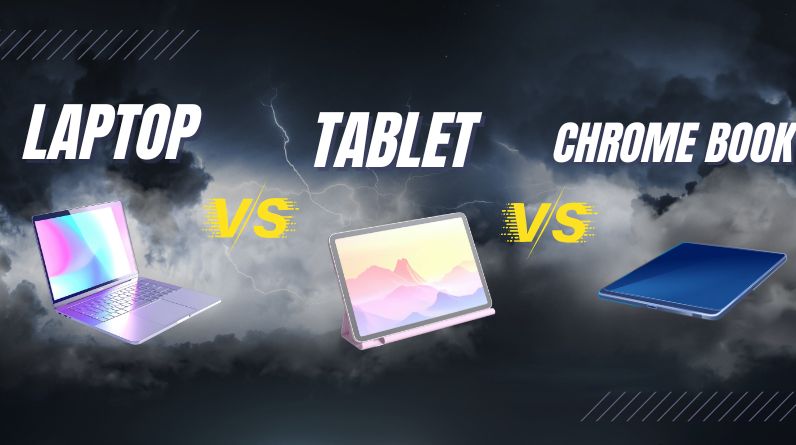
Choosing between a laptop, a tablet, and a Chromebook can feel confusing because all three devices now overlap in what they can do. Each option serves a different type of user, budget, and daily routine. Understanding where they truly differ makes it much easier to buy the right device instead of the most popular one.
Understanding the Three Device Types
Before comparing features, it helps to be clear about what each device is designed to do at its core.
What Is a Laptop?
A laptop is a full-featured personal computer designed to run desktop operating systems like Windows or macOS. It supports traditional software, multitasking, and external peripherals such as monitors, keyboards, and printers. Laptops are commonly used for work, school, creative tasks, and general computing.
What Is a Tablet?
A tablet is a touchscreen-focused device designed primarily for portability and ease of use. Tablets run mobile operating systems and rely heavily on apps rather than traditional desktop software. Many models support detachable keyboards and stylus input, blurring the line between tablet and laptop.
What Is a Chromebook?
A Chromebook is a lightweight computer that runs ChromeOS, an operating system centered around web-based applications and cloud storage. Chromebooks are designed to be simple, secure, and affordable, making them popular for education and everyday online tasks.
Performance and Software Capabilities
Performance depends not just on hardware but also on what kind of software you need to run.
Laptop Performance
Laptops offer the widest range of performance options, from basic models for web browsing to powerful machines for video editing, programming, and design. They support professional software and advanced multitasking, making them the most flexible choice.
Tablet Performance
Tablets are optimized for speed and responsiveness rather than heavy workloads. They perform well for browsing, media consumption, note-taking, and casual productivity. However, some desktop-level applications are unavailable or limited.
Chromebook Performance
Chromebooks handle web-based tasks smoothly, including document editing, email, video streaming, and online collaboration. They can run Android apps and some Linux software, but they are not designed for demanding offline or professional applications.
Portability and Battery Life
Portability is often a deciding factor for students, travelers, and remote workers.
- Tablets are the lightest and easiest to carry, often lasting a full day on a single charge.
- Chromebooks balance portability and usability, typically offering long battery life with a traditional keyboard.
- Laptops are heavier and vary widely in battery life, especially high-performance models.
Price and Overall Value
Cost plays a major role in deciding which device makes sense.
Laptops
Laptops range from budget-friendly models to premium devices. You generally pay more for higher performance, better build quality, and advanced features.
Tablets
Tablets vary in price, but accessories like keyboards and styluses often add to the total cost. High-end tablets can approach laptop pricing while still offering fewer traditional computing features.
Chromebooks
Chromebooks are usually the most affordable option. They offer strong value for users who rely on web apps and cloud services rather than specialized software.
Best Use Cases for Each Device
Choosing the right device depends on how you plan to use it day to day.
Choose a Laptop If:
- You need full desktop software or professional tools
- You multitask heavily or work with large files
- You want long-term flexibility and upgrade options
Choose a Tablet If:
- Portability and touch interaction matter most
- You mainly browse, stream, read, or take notes
- You prefer apps over traditional programs
Choose a Chromebook If:
- You spend most of your time online
- You want a simple, low-maintenance device
- You need a reliable option for school or basic work tasks
Common Misconception: One Device Can Do Everything
A common assumption is that modern tablets or Chromebooks can fully replace laptops for everyone. While they can for some users, they are not universal replacements. Tasks like advanced spreadsheet work, professional editing, and specialized software still favor laptops. Choosing a device based on realistic daily needs avoids frustration later.
Conclusion
Laptops, tablets, and Chromebooks each serve distinct purposes. Laptops offer the most power and flexibility, tablets excel in portability and simplicity, and Chromebooks provide affordable, web-focused productivity. The best choice is not about which device is better overall, but which one fits your routine, software needs, and budget most closely.